Solving failures in AI image generation: we’ve come a long way

The technology of AI image generation has fascinated me from its very beginnings. Join me in exploring some of the breakthroughs that have improved image generation.

The early days of generative AI were pretty exciting. I discovered it myself in November 2022, when I was working on a short film for a weekend competition. For some reason I had written a fantasy script set in medieval-ish times featuring a seamstress and a reluctant Duke. To depict the seamstress’s fantasy life, I had written in visuals of several tapestries depicting battle scenes and the Duke himself.

I don’t know where I thought I would find these tapestries. In fact, I don’t know what I was thinking at all.

It was one of those 72-hour competitions, where we had three days to write, shoot, edit, and deliver a short film, so I didn’t have time to fly out to the Smithsonian or anything. After desperately searching for tapestry images online (of which there are very few), I wandered into the Midjourney website. There I was thrilled to find that I could generate all my tapestries within minutes.
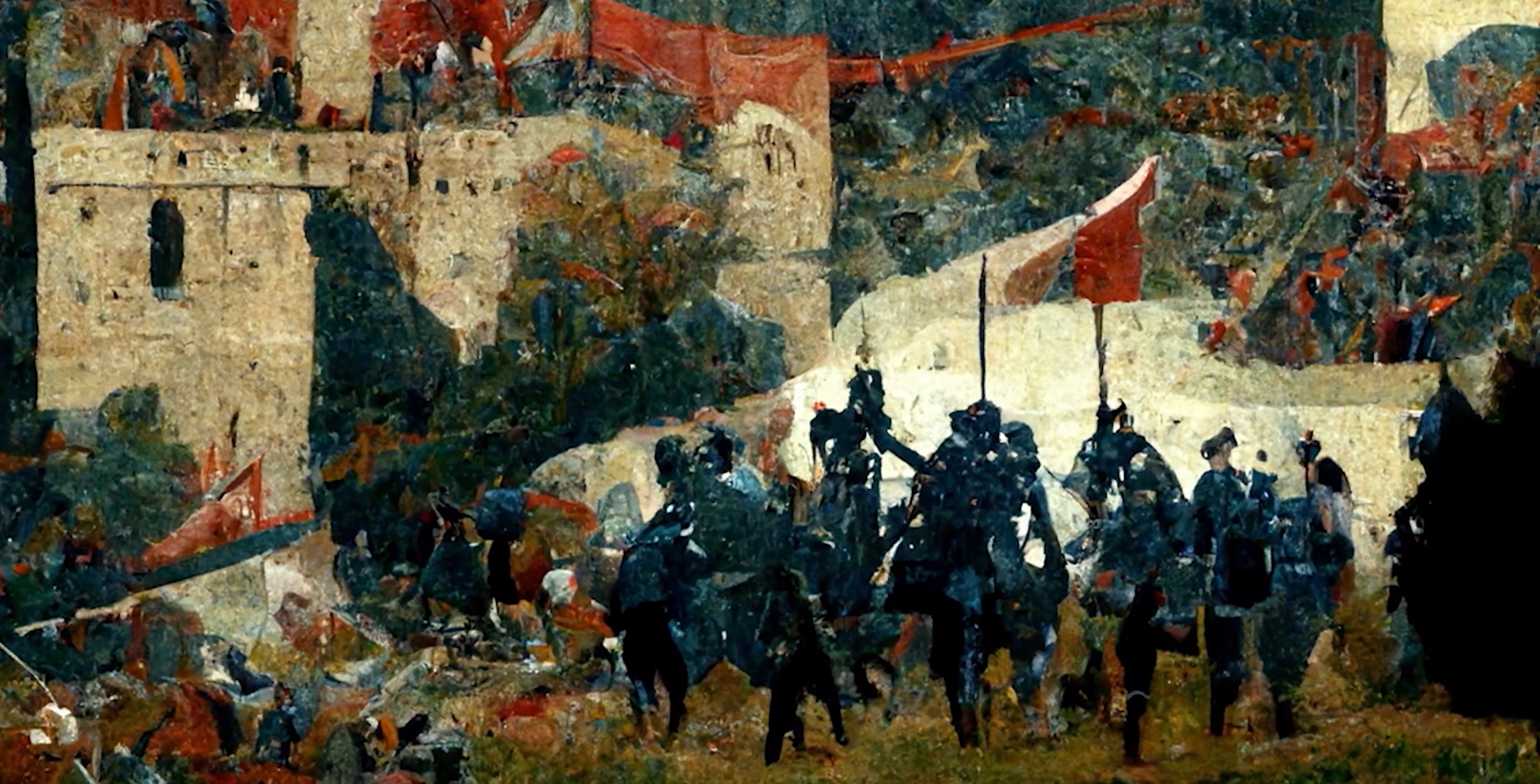

Tapestry depicting the battle at the castle
Tapestry depicting the Duke and his brothers

I couldn’t get the tapestries to look exactly the way I wanted, though. One problem I ran into when generating the images is that the 2022 Midjourney model didn’t handle things like attribute binding or negation very well. No matter how many times I asked it to replace the Duke’s hood with a peasant farmer’s hat, or turn his robe green, the model just wouldn’t do it.

As a side note, in November 2022 generative AI was new enough that other filmmakers asked me where I was able to find such rich tapestries on short notice. (It was also early enough that the competition hadn’t yet banned AI-generated content, but that’s another story altogether.)

The shape of model failures

Midjourney wasn’t alone in this problem. DALL-E and every other image generation model I tried shortly afterward had the same failures.

The failures weren’t that surprising, when we look at the way generative AI is written to work. In their original forms, models couldn’t interpret composition-related instructions like “next to” as in “a cat next to a box,” or negation like “a house with no roof.”

They also struggled with numeration — a prompt asking for “three apples next to two bananas” might produce six apples and one banana, or any combination thereof. And if you ask for red apples next to green bananas, you added attribute binding to the mix, which seemed to confuse the model even more.

Three red apples next to two green bananas” according to early generative AI

Solving the failures

AI model developers definitely noticed these failures, and the years since 2022 have seen a flurry of technical papers around solving these problems specifically. (If you want to explore the technology without heavy reading, this paper and this paper have a lot of images that show the evolution.)

The problem was that image-generation models had not been trained on compositional relationships, a catch-all term for numeration, attribute binding, the relationships inherent in prepositions such as “on,” “under,” “next to,” “behind,” and “in front of”. The same solution could also apply to verbs that imply positioning, as in “a dog chasing a cat” or “a woman pulling a cart.”

Solving these problems wasn’t just a matter of rewiring the model. The training data needed to be looked at again to see how it could help the model figure out these prompts. More images and better data annotation became key to the solution.

Box annotation was a huge boon to the solution. A box around each object makes it possible to count them, which goes a long way toward solving numeration.
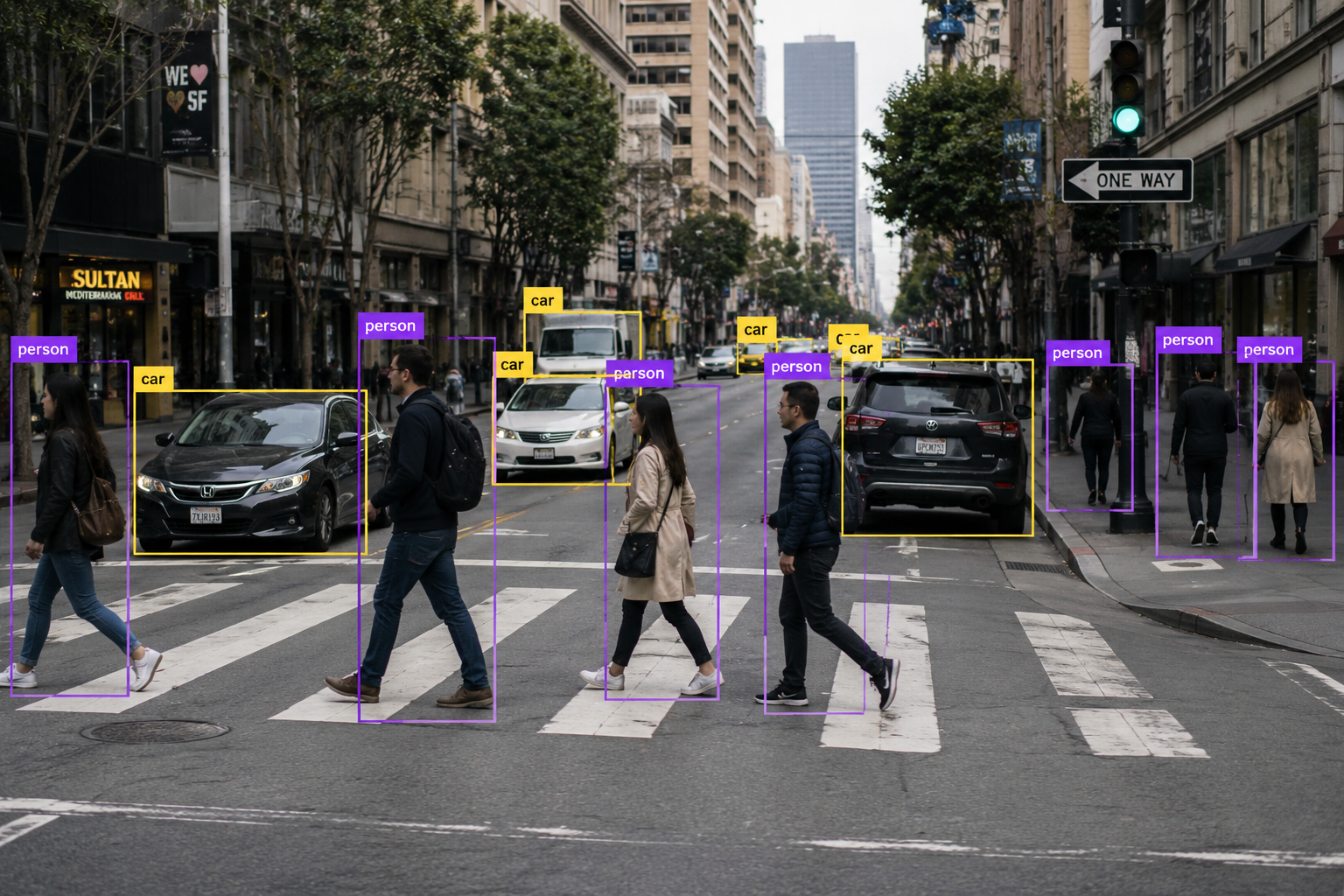
Photo of people and cars with box annotation

More robust image labels also helped solve positioning problems. With box annotation in place, captions and labels help the model learn what various prepositions and verbs mean with regard to spatial composition.
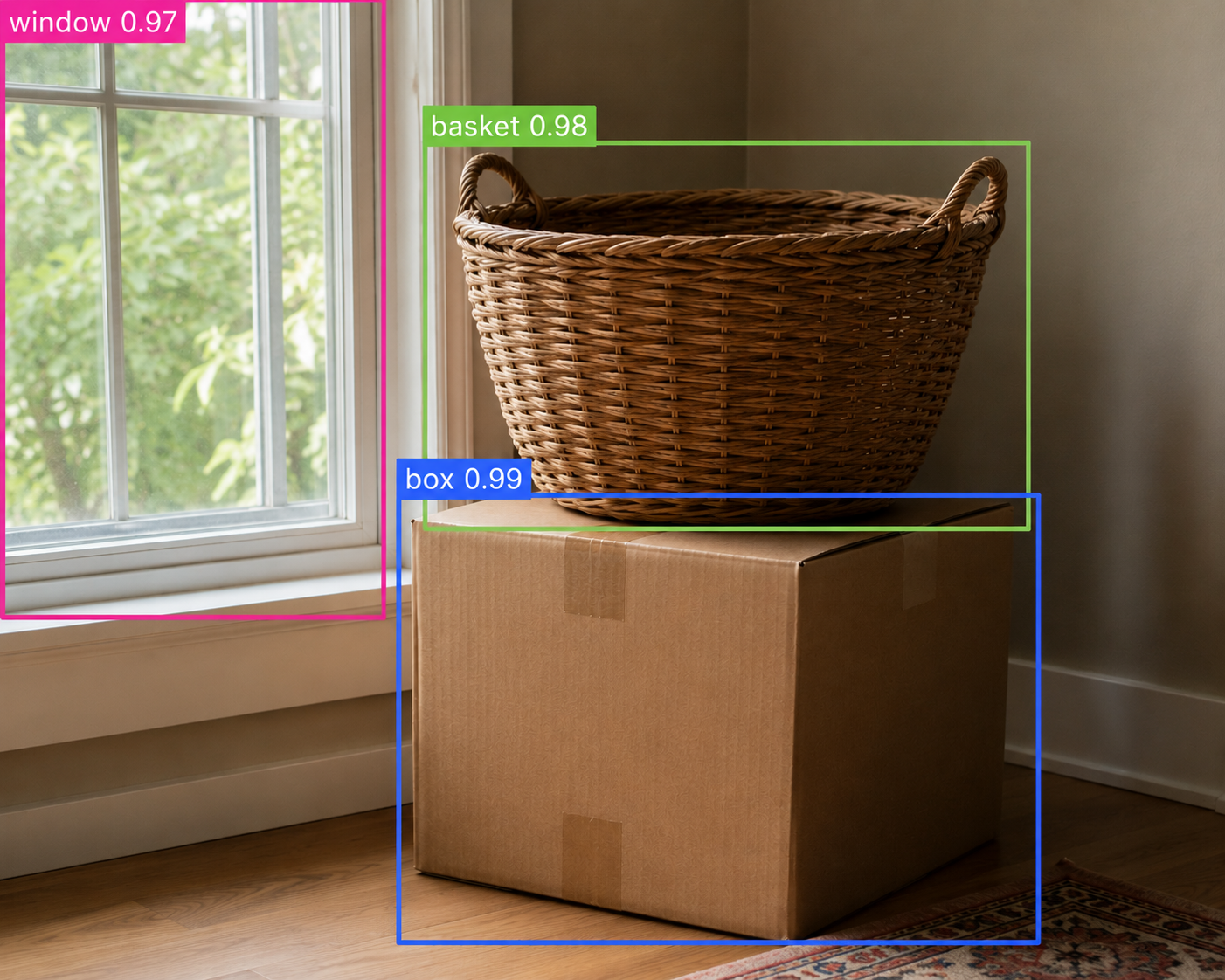
“A basket on top of a box”
“A box under a basket”
“A basket and box next to a window”

In the case of negation, the model had trouble when one object was always expected to go with another, for example a house and a roof, or cheese with pizza. So the model would need images of houses with no roofs and pizza with no cheese as part of its training dataset, and also special negation labels.
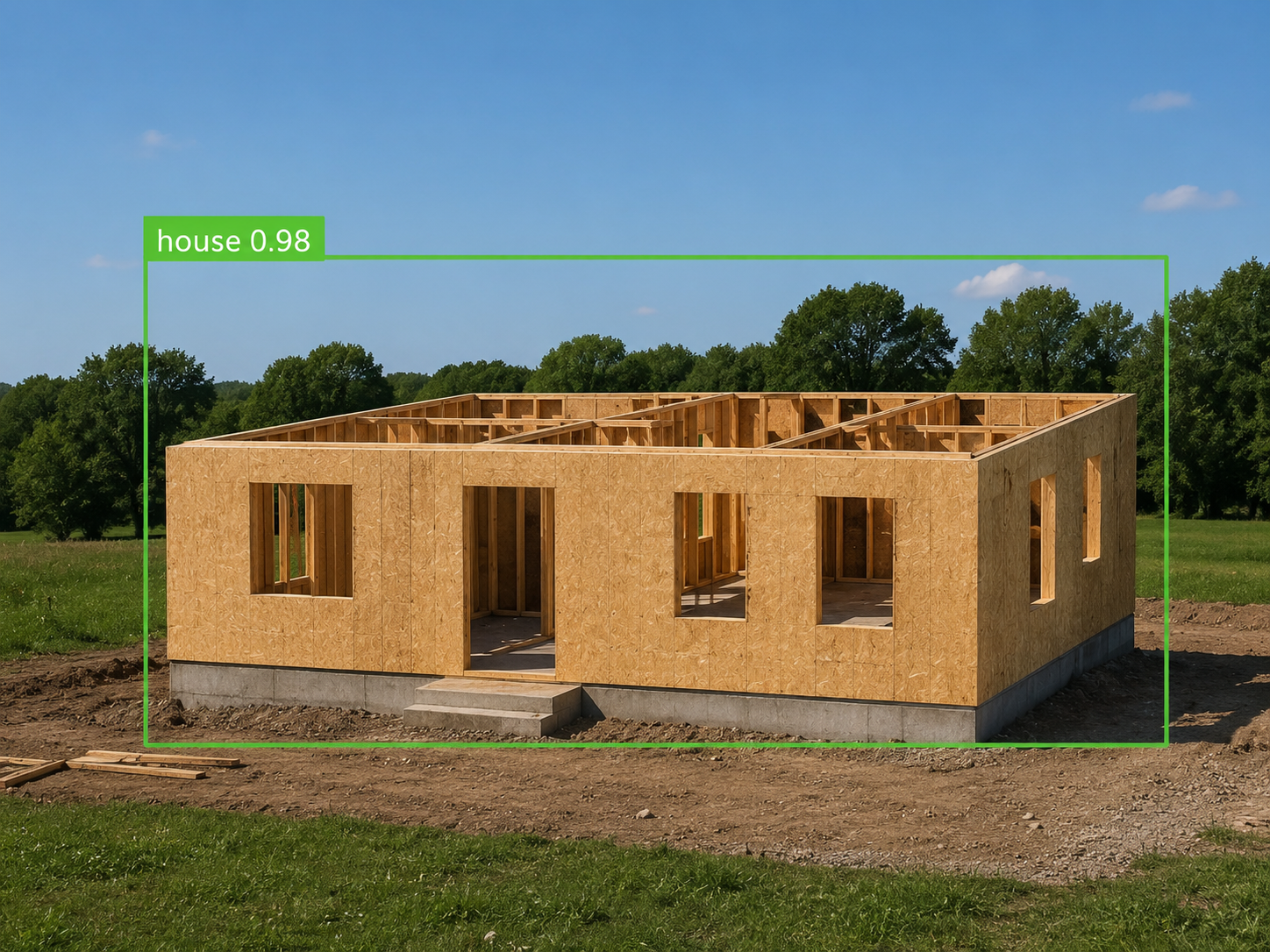
“A house”
Negation label: “no roof”

The “no roof” label gives the model something to work with, even if the prompt is worded differently, as in “a house with its roof removed.”

It’s a lot better now

All the foundation models — DALL-E, Midjourney, and even specialty models like Leonardo — all incorporate compositional relationships into their thinking. The models themselves now work so well that if you run into these failures, it’s likely an issue with the training data.

The challenge of getting high-quality, well-annotated data for training is a topic all by itself, for another time.
What is an AI agent?

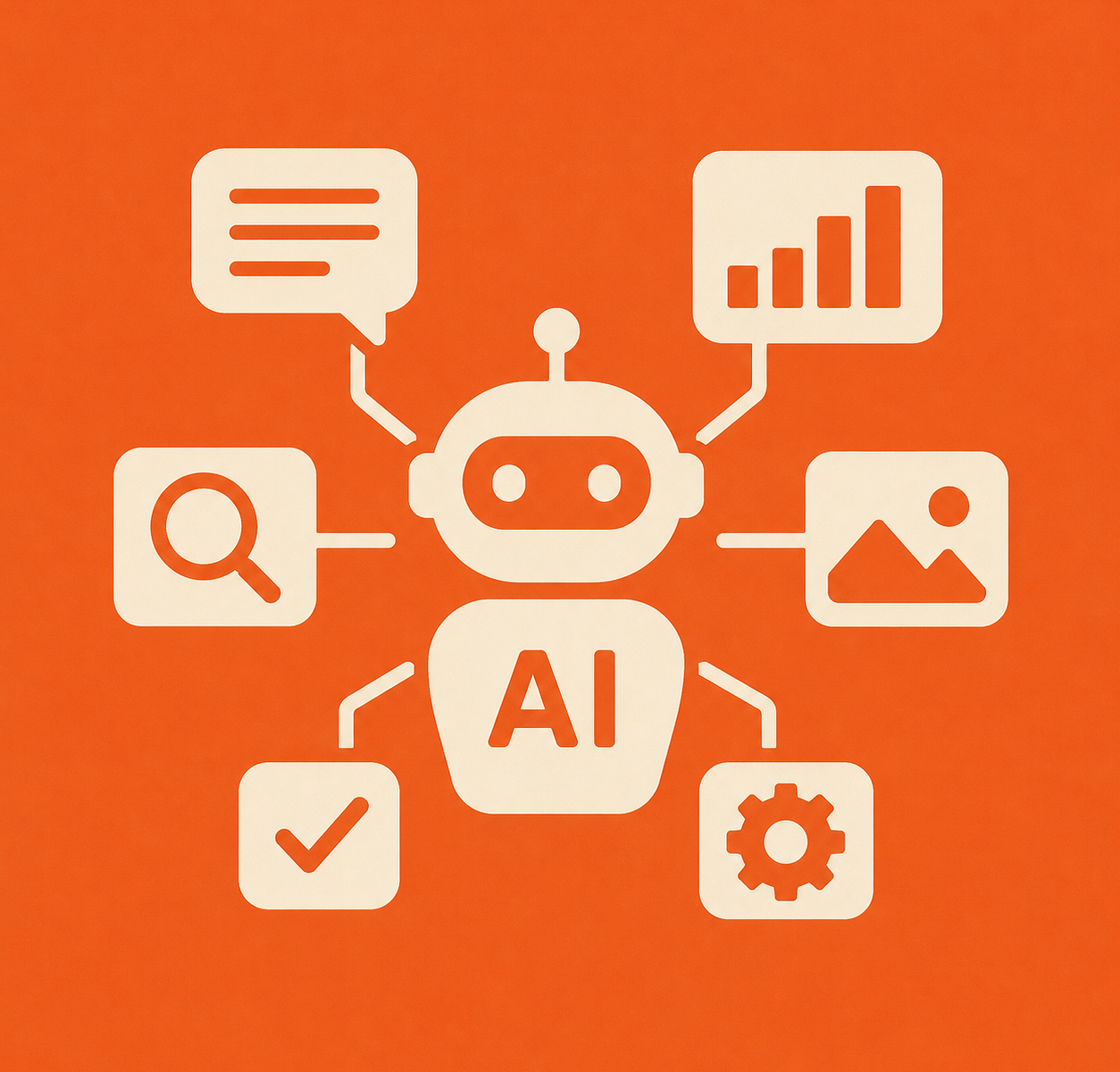
An icon representing AI agents reaching out to apps

There’s been a lot of talk about “AI agents” lately. But what does this really mean?

The official definition of AI agent, according to Google, is a software system that uses AI to pursue goals and complete tasks on behalf of users. That’s still pretty general.

To get a better understanding of what an agent is, let’s take a look at a familiar example: ChatGPT.

A very familiar agent

In the olden days, and by that I mean 2022, if you typed a prompt into ChatGPT, it sent that prompt pretty much directly to the GPT AI model and then served you back the response. At the time, ChatGPT was really just a prompt/response interface for GPT.

Then DALL-E was released as an image generation model, and you could type in a prompt to get DALL-E to make an image for you. ChatGPT, at that time, was still little more than a traffic cop; you’d type in a text or image request, and it would route the request to either GPT or DALL-E depending on whether the prompt started with “image of…”

Keep in mind that at the time, each AI model was confined to what it learned during its training cycle, which was already long over by the time you typed in your prompt. If it didn’t have the answer in its training, the model might make something up based on what it did know, a practice we call “hallucinating”. And the hallucinations could be pretty wild.

But now, in 2026, ChatGPT works differently. When you type in a prompt, ChatGPT takes a look at what your intent is, and might do any of a number of things depending on what it thinks you want. For example, if you type in “images of Mount Rushmore,” ChatGPT might just go find some existing photos and serve those up as the response, rather than creating something new. This saves tokens, and gives recognition to creators who are already in the business of taking great photos of landmarks.

These photos weren’t part of a model’s training. They are simply what the agent went out and found, on the fly, after reading your prompt.

An icon representing AI agents reaching out to apps

Another example is a prompt like, “What is the architecture like in the Akihabara neighborhood of Tokyo?” The AI agent might use Google Maps to find photos from that neighborhood, then feed those photos to an AI model and tell it to analyze the architecture in the photos. The model already knows how to analyze photos, based on its training. The difference is that an AI agent found the photos and served them to the model itself, rather than you having to go find photos and the model yourself.

In this regard, ChatGPT now functions more like an agent than an AI model.

We also see similar behavior in Google Search. When you enter AI Mode, Google doesn’t just perform as a search engine anymore; it acts as an agent to go find you the answer, then summarizes it for you.

Agent-ness is a spectrum

Is ChatGPT actually an “agent” now? That’s a great question. The thing is, the agentic quality of a piece of software is a spectrum, ranging from agents that do everything for you to mildly assistive agent-like interfaces that require you to do 99% of the work.

For example, a lot of websites now have AI chat agents that will answer your questions without needing to involve a human. The least agentic ones require you to do all the heavy lifting by phrasing things a certain way, or by choosing from a menu. The most agentic ones can take a human-worded question like, “I’m looking for a toaster. I never make bagels but I do toast thick bread, sometimes with cheese on it,” and figure out that what you really need is a toaster oven.

Hopefully these examples answer the question “What is an AI agent?” to your satisfaction, so you can recognize an agent when you see one. And always keep in mind that agents are software, not people, and are prone to making mistakes, sometimes even more than humans are.

No AI was used in writing this post.

Why does it work that way? Why software makes no sense

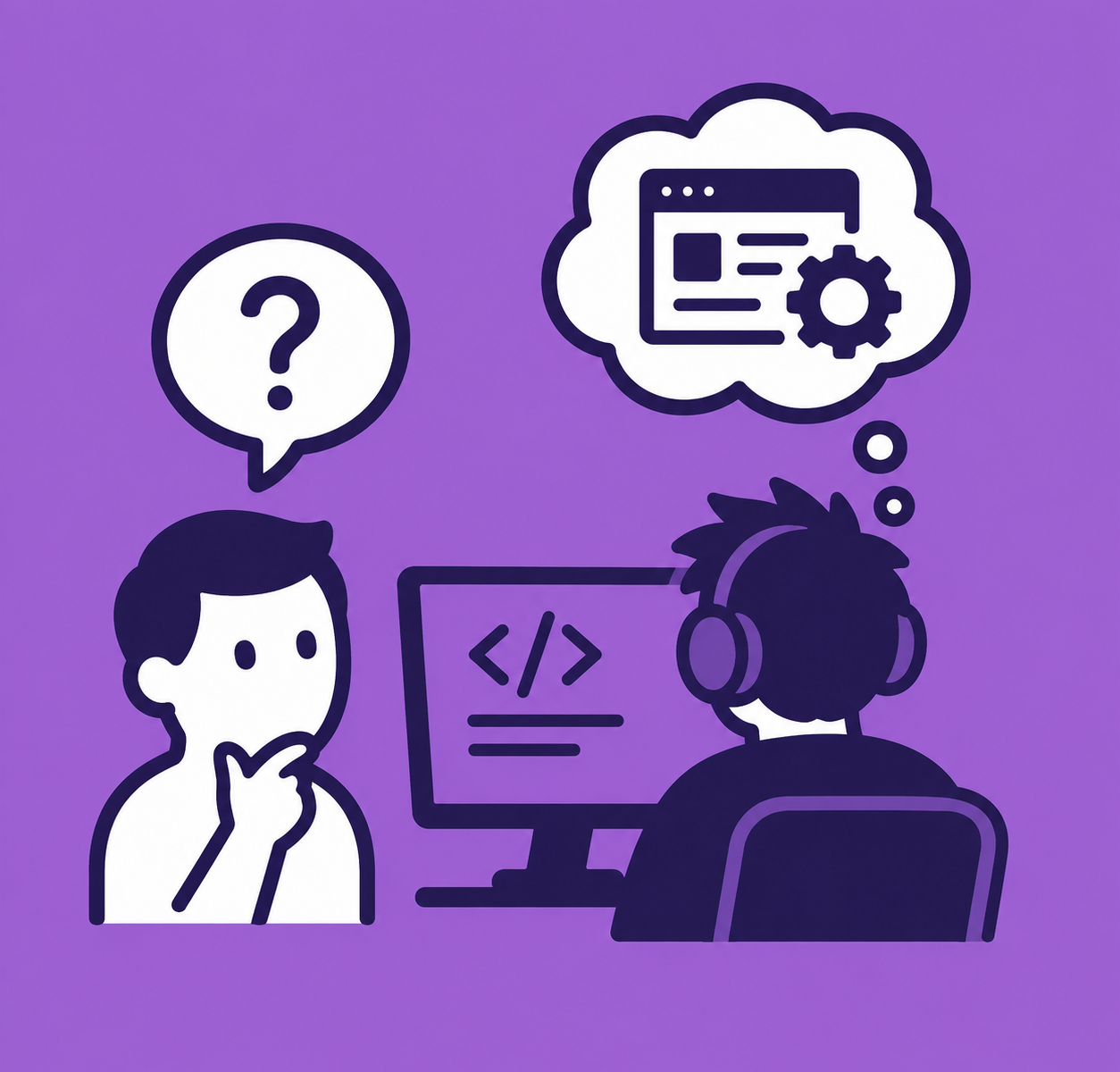
A confused user looks at a dev writing software

Back in the 1980s, when I was a developer at a software company, I was walking a user through a feature that did not work intuitively at all. After a particularly frustrating session, with me struggling to explain and the user struggling to understand, the user finally asked:

“Why does it work that way?”

The answer to that question is the same today as it was then: it works that way because some developer somewhere decided that’s the way it should work.

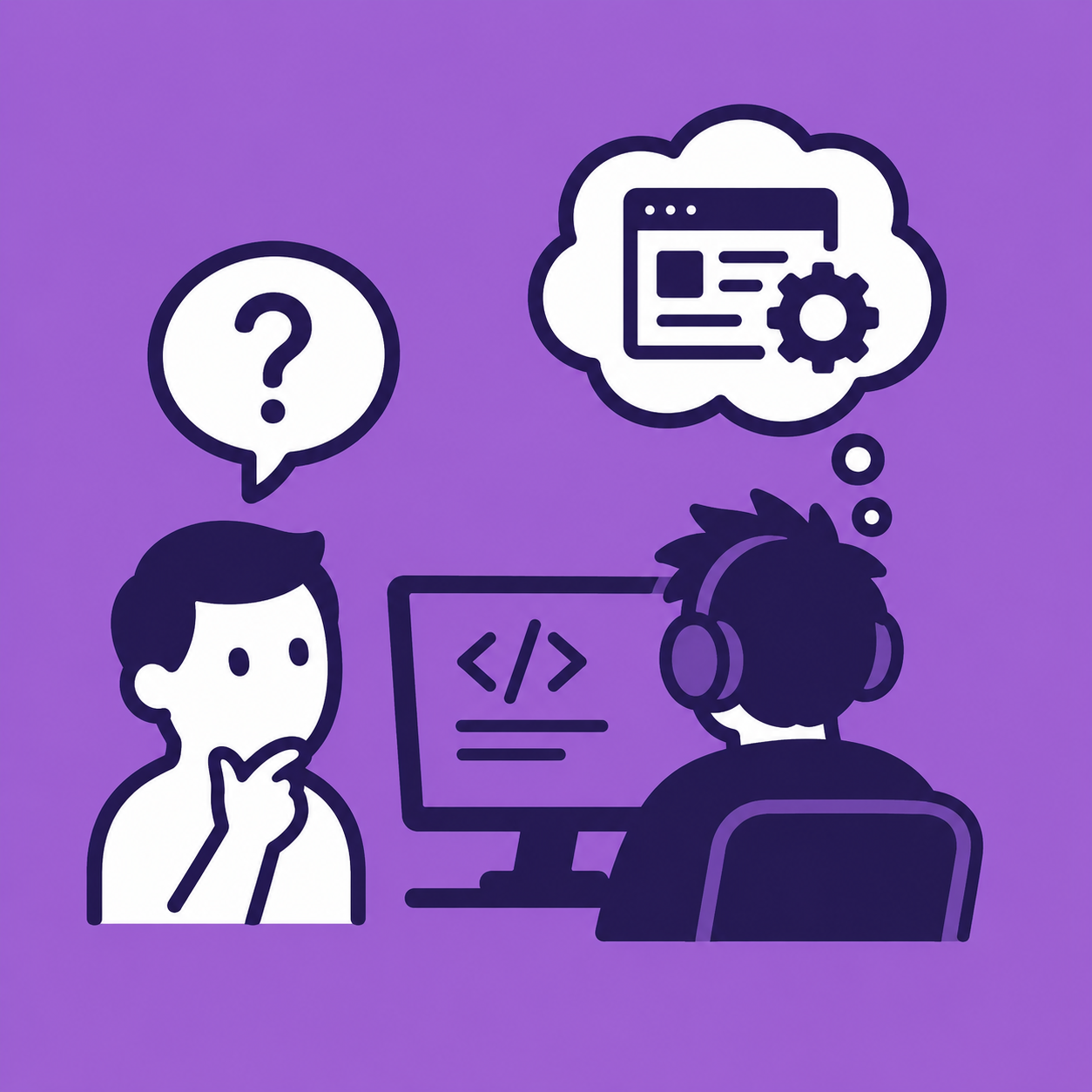
A confused user looks at a dev writing software

Users are often surprised to hear that there is no higher authority, guild, union, or standards organization that determines how software should be designed. There is no Software Council that hands down rulings about what user interface elements must be present or how a program should behave. There are guidelines, best practices, and conventions, and sometimes developers even follow them. But for all software, it comes down to somebody making a decision. 

And that person, being human, may be tired from months or years of development, frustrated by changing technology that forces rewrites, or even scared by some tech article that predicts no one will want their product anymore (which usually turns out to be not true, but they won’t find that out until three months later). They might have been distracted by some pretty, shiny thing that the industry says everyone wants, but in practice, users hate it.

That’s why the software works that way.

Nowadays we have UX (User Experience) designers, but that role didn’t become a thing until the 1990s. Before that, any user interface was pretty much built by developers. And even today, for some companies, the ‘UX team’ is a dev with a Figma license who draws pastels of fruit baskets on the weekend.

But if that’s the case, why don’t developers make more of an effort to understand users, and make the software more useful and easier to use?

Reason #1: Developers and users are two different species

A developer comes at a software problem from a completely different perspective than a user. The developer looks at the logic of the data being passed around, where and how it’s going to get stored and retrieved. The user looks at it from the viewpoint of how to put in real-life data, such as a customer invoice or sales transactions, and later extract some kind of useful compilation or report.

In other words, the user is interested in the beginning and end — putting in the data, and getting it out in another way — while the developer is interested in the middle part: the storage, retrieval, and manipulation of the data.

Reason #2: Users are ‘stupid’

My first job as a developer was at a small startup, where every member of the development team was required to spend time doing phone support for the software we had written. 

Some devs, like myself, came away with a deeper understanding of how software design needs to meet the user where they are. Menu options needed to make sense, and things on the screen needed to resemble, as much as possible, where they sit on real-world items like pieces of paper. This was especially important in the 1980s, when them new-fangled computers were still a bit scary, but it still holds now.

For me, the customer support experience even sparked an interest in documentation, which is eventually where I took my career. I found it far more rewarding to explain how software works and help people get the results they wanted than I ever found writing the software itself.

But others forced to endure customer support came away with a different attitude — they were convinced their knowledge made them superior, and that users complain and have problems with software because they’re stupid.

Yes, there are developers, some of them writing software right this moment that you will end up using someday, who genuinely think you are stupid.

Reason #3: Users should ‘learn programming’

When I first started writing documentation, I needed to understand how a particular piece of accounting software worked. Usually I could figure things out on my own — if the interface didn’t make it obvious, I could poke around the screen, even read the source code in a pinch.

But this one entry screen completely baffled me, so I went to talk to the developer. (I should add that at some software companies, the documentation team has next to zero access to developers, which can be super annoying. At this place, however, I was able to get a few minutes with them when needed.)

It turned out that the entry screen had been designed to make data storage and access easy and quick, with no regard for how hard it would be for a normal user to actually use it. The structure made perfect sense from the developer’s perspective, but was pretty useless from the user’s perspective.

When I asked the developer how a user was supposed to understand all this, he replied that if users understood how it worked under the hood, they wouldn’t need documentation. How dare they not understand data structures, arrays, and do/while loops!

I had to pinch the bridge of my nose for a second to keep from spitting out a rather rude reply.

As a simple parallel, it would be like setting up an SQL database with employee information, and then telling the user, an accountant by trade, they could go ahead and figure out tax withholding themselves with some clever JOINs. Then having disdain for them when they can’t figure it out.

When I asked this dev how I was supposed to explain database structure and query language in the documentation, he shrugged, conveniently forgetting that these subjects are ordinarily taught at university level, as part of the second or third year of a programming degree. Yeah, sure, I’ll just slip in these advanced topics on page 34 of the User Manual, right after we explain what the up and down arrows do.

So no, Mr. Disdainful Dev, the disdain should be aimed at you, for not making the ‘user experience’ something that a user could actually experience, or even want to experience.

It’s a rough world out there

There isn’t much you, as a user, can do about disdainful devs except demand better software and refuse to buy products that provide a poor user experience. Market pressure works, eventually.

But perhaps it helps to know that when software behaves in a baffling, frustrating, or seemingly irrational way, there usually isn’t some deep reason behind it.

A developer somewhere, sitting in a dark room, listening to a heavy metal playlist, sipping a ginger ale, and munching on a bag of Cheetos, decided that’s how the software should work.

So if you’re frustrated, your frustration is valid. Just know it’s not you — it’s the software.

And if you need some decent documentation, I’ve written dozens of excellent user manuals, without ever so much as hinting that the user is the problem. Because they never are.